
Run a Delphi consensus online
Invite your expert panel, run the rounds in real time or in classic multi-round mode, measure agreement per statement and export results that are ready for the methods chapter.
No credit card. Pay per project when you launch.Set up on desktop, participants answer on any device.
Used by professors, medical doctors, researchers and students at universities and institutions such as





- and more …
Everything a Delphi consensus needs, in one place
No survey tool plus spreadsheet plus statistics package. Each step below is part of the same project.
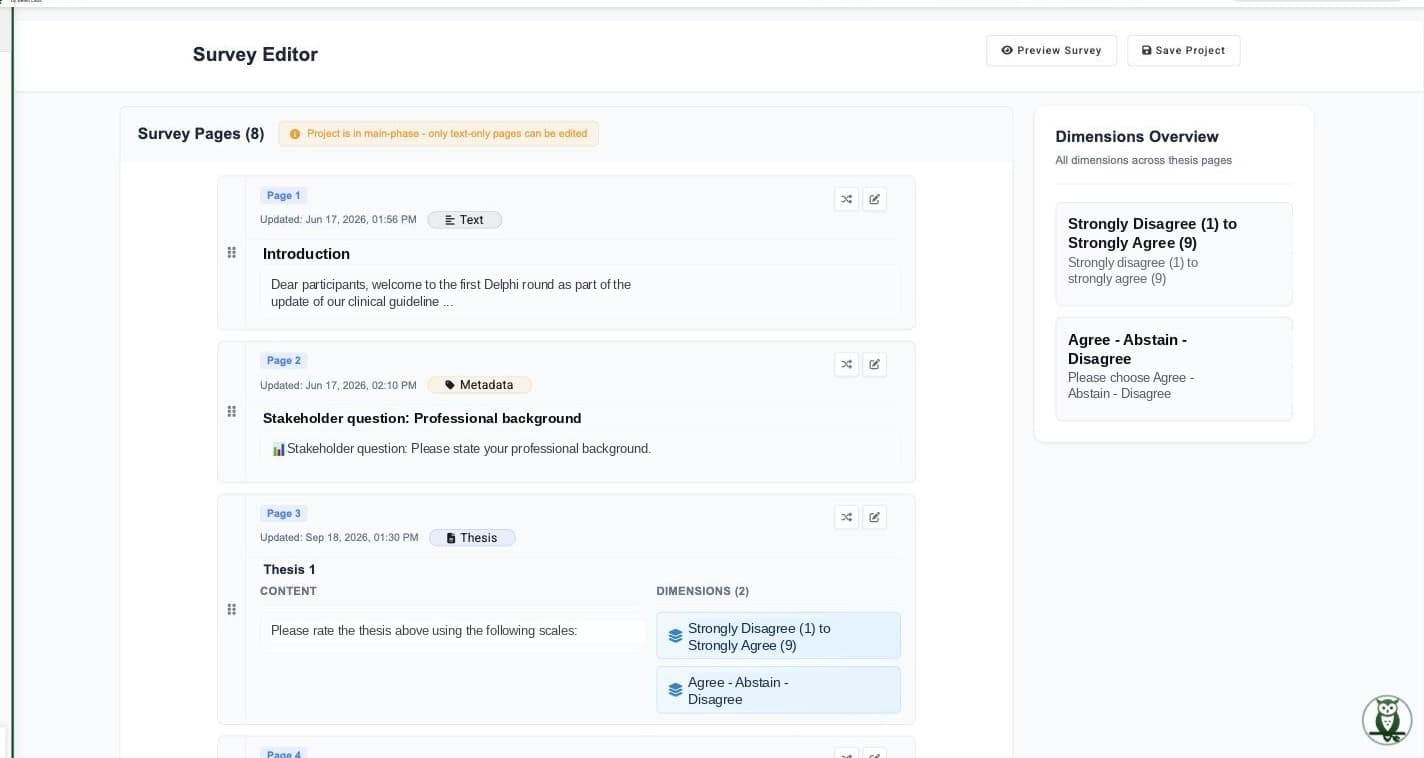
Write the statements your experts will rate
Likert scales, time estimates, multiple choice or two-dimensional ratings, with an optional comment on every item so experts can justify their position.
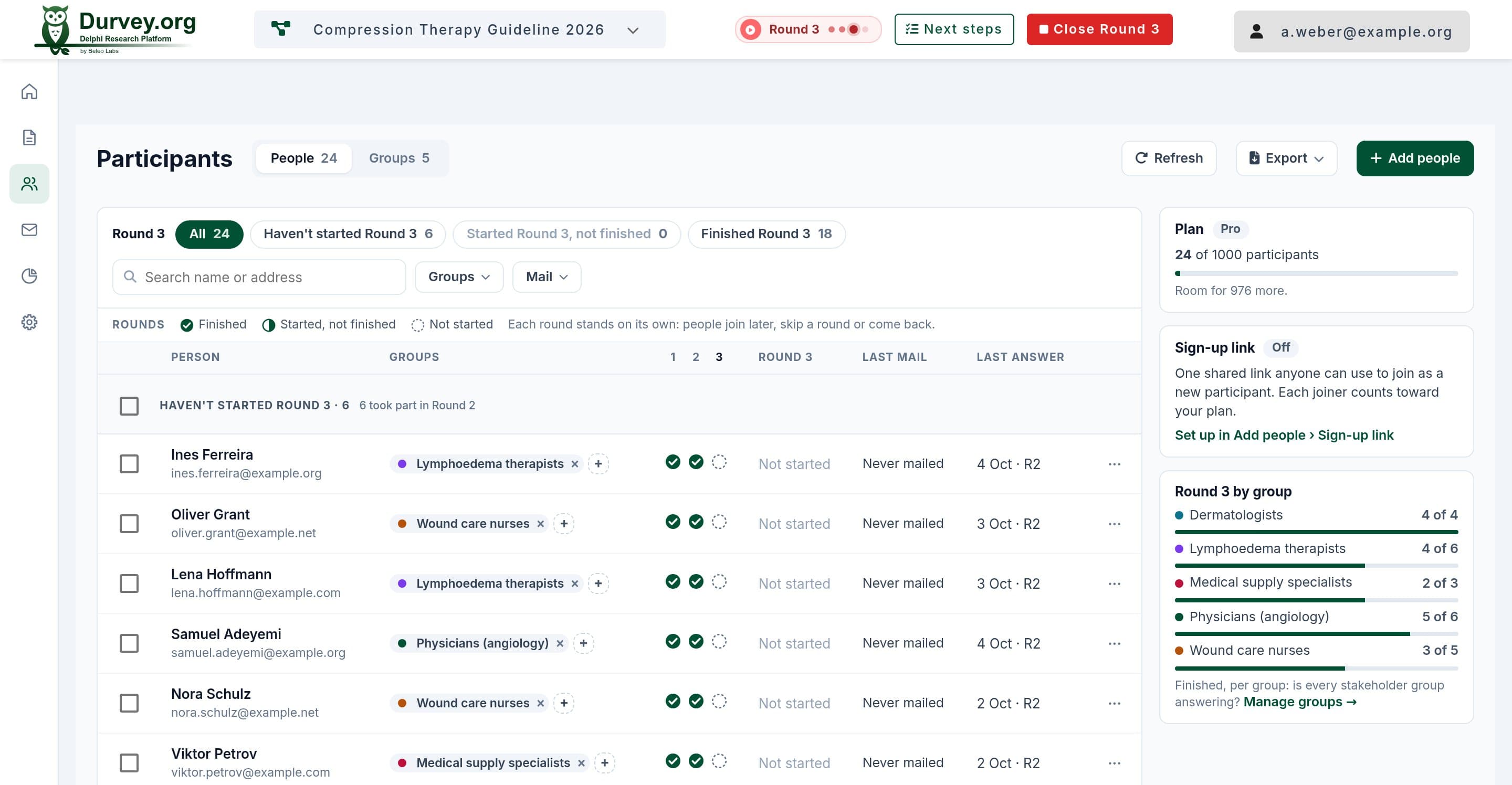
Invite the panel without collecting personal data
Send individual links for progress tracking and reminders, or one anonymous link. Participants can be stored as numbers only. Tag groups let you compare stakeholder groups later.
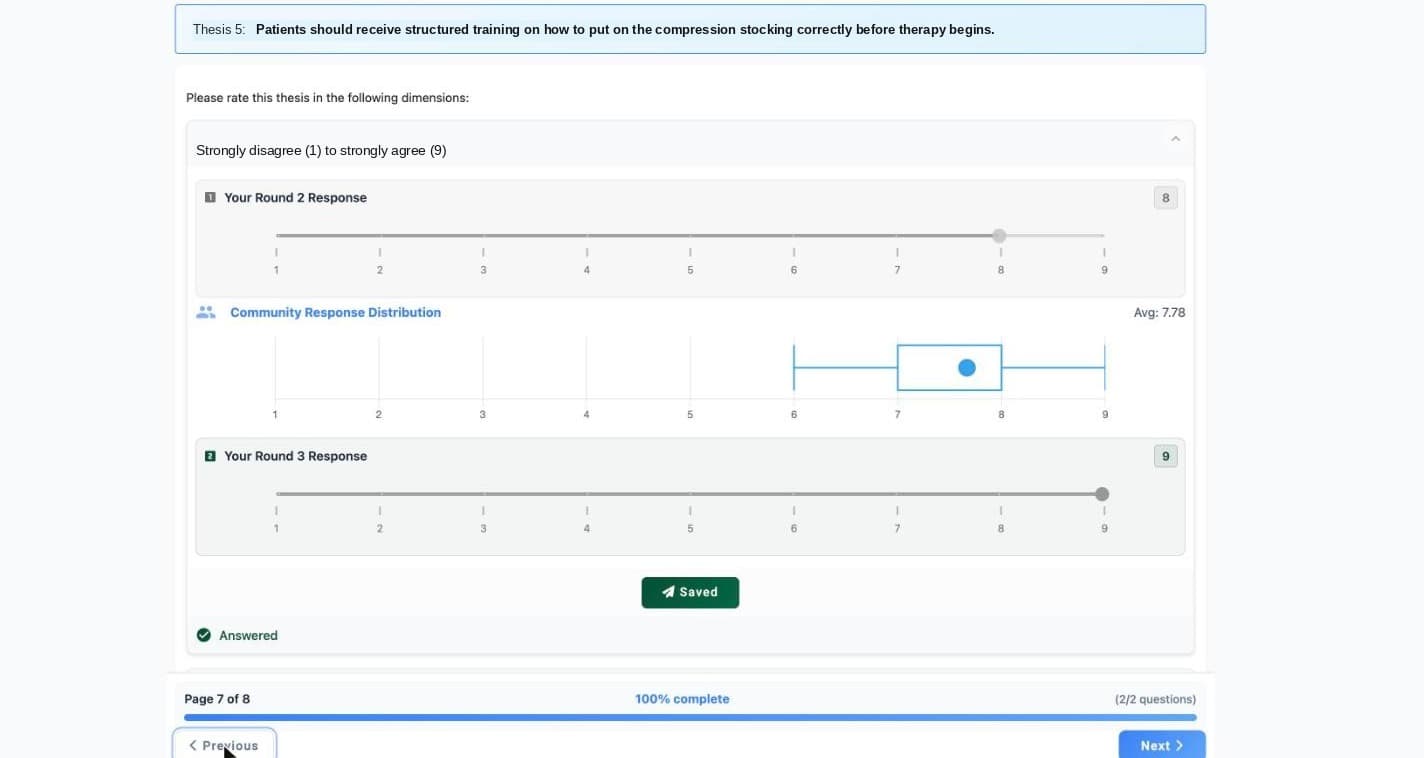
Run the rounds, real-time or classic
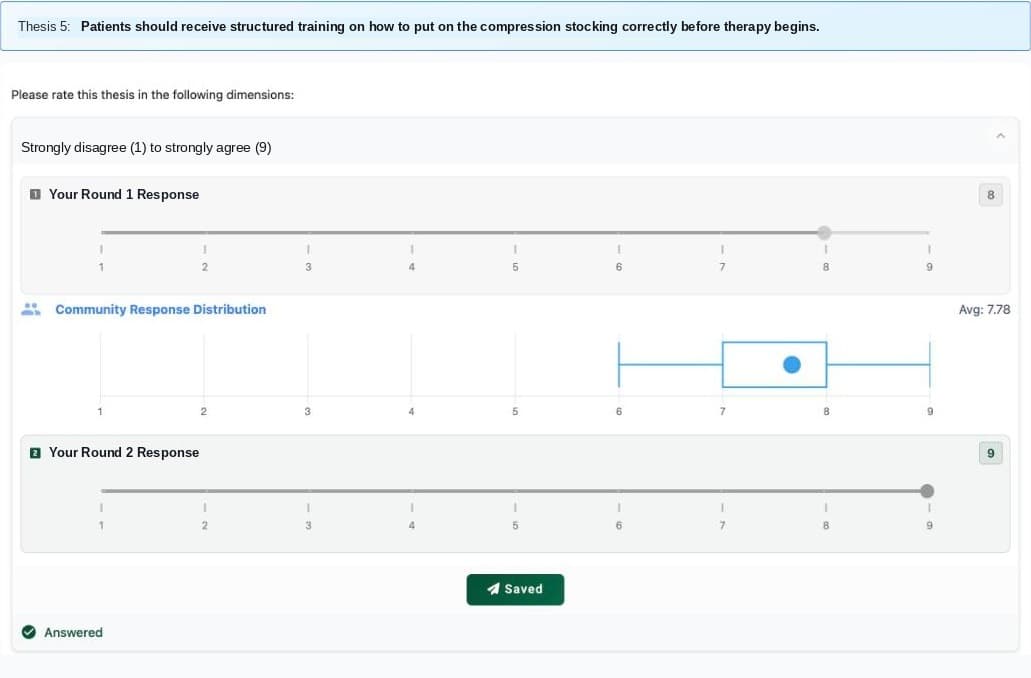
In a real-time Delphi, experts see the aggregated group result right after answering and can revise. In a multi-round Delphi, results stay hidden until you close the round.
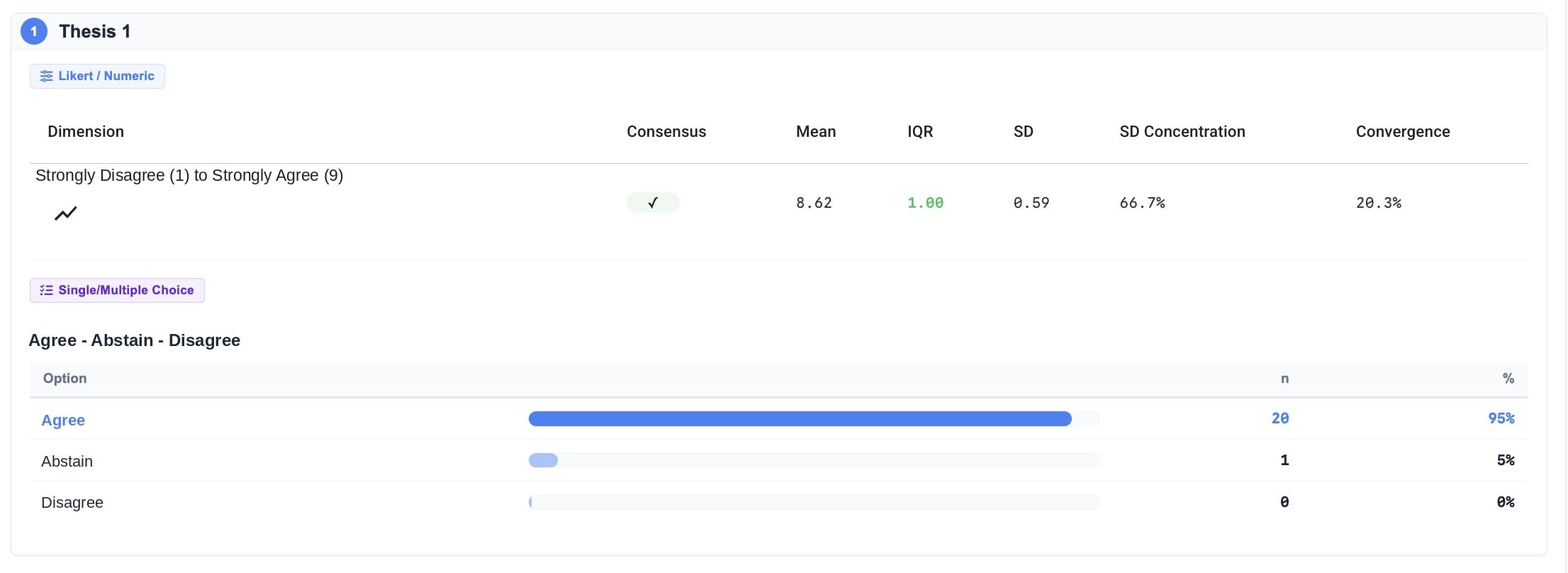
Measure consensus per statement
Interquartile range, percentage agreement and convergence between rounds are computed for every statement, against thresholds you set per scale.
Agreement you can defend in peer review
Durvey computes the three metrics reviewers expect, for every statement and every round, against the thresholds you define per scale.
The spread of the middle 50 % of ratings. A small IQR, often 1 or less on a 5-point scale, is the most common consensus rule in published Delphi studies.
The share of experts rating within the agreeing range, for example 4 or 5 on a 5-point scale. Published thresholds usually sit between 70 % and 80 %.
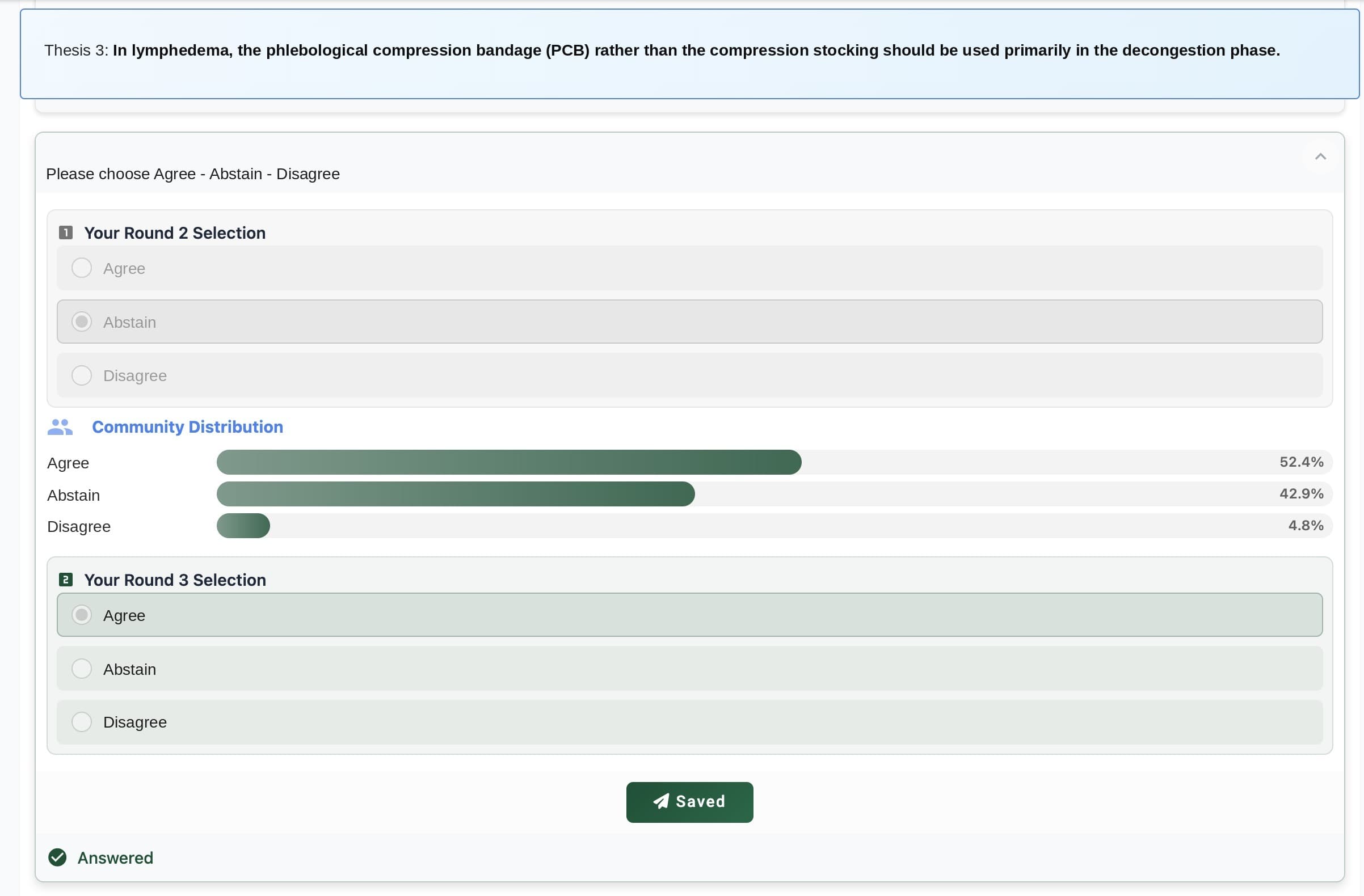
Whether the distribution of answers still moves from one round to the next. Stable statements without consensus are documented as dissent, not forced into agreement.
Application and database run in EU data centres. Participant data never leaves the EU.
Anonymous participation and number-only panels mean you can run a study without storing personal data.
Set up your study, test it in simulation mode and pay per project only when you launch.
Guides on panel size, round design, consensus metrics and reporting, written for researchers.
What researchers say
"Durvey.org has become an important part of our teaching and research. Its intuitive Delphi setup and immediate reporting help students move quickly from theory to practice while maintaining strong methodological standards."

"Running a real-time Delphi study with Durvey.org is remarkably smooth. Everything updates in real time, which saves a significant amount of time and lets me focus on the research instead of administration."

"What I value most about Durvey.org is the automated statistical analysis and reporting. It generated clear, well-structured results across Delphi rounds without manual data handling. This saved a significant amount of time and helped me move faster from data collection to publication."
Before you start
What counts as consensus in a Delphi study?
There is no single rule. Most published studies combine an agreement threshold (70 to 80 % of experts within the agreeing range) with a spread criterion such as an IQR of 1 or less, and check that answers converge across rounds. Durvey lets you define the rule per scale and reports every statement against it.
How consensus is measured →Real-time or multi-round: which one should I run?
Real-time Delphi shows experts the group result immediately and typically finishes in weeks instead of months. Classic multi-round Delphi keeps results hidden until each round closes and is the format most reviewers know. Durvey supports both, including switching from a pre-phase to the main phase.
Real-time vs. multi-round →Can participants stay anonymous?
Yes. You can invite with one anonymous link, or store participants as numbers and distribute the individual links yourself, so Durvey never holds names or email addresses.
Participant options →How do I report the results?
Export consensus statistics, group comparisons and comments per round as Excel or CSV. The CREDES reporting guideline is covered step by step in our guide.
CREDES reporting guide →Your Delphi consensus, 5× faster
Set up the study, test it in simulation mode, and launch when the panel is ready.